
Screenshots, ready to ship.
Design multi-slide App Store and Google Play assets with templates, frames, and precise export control.
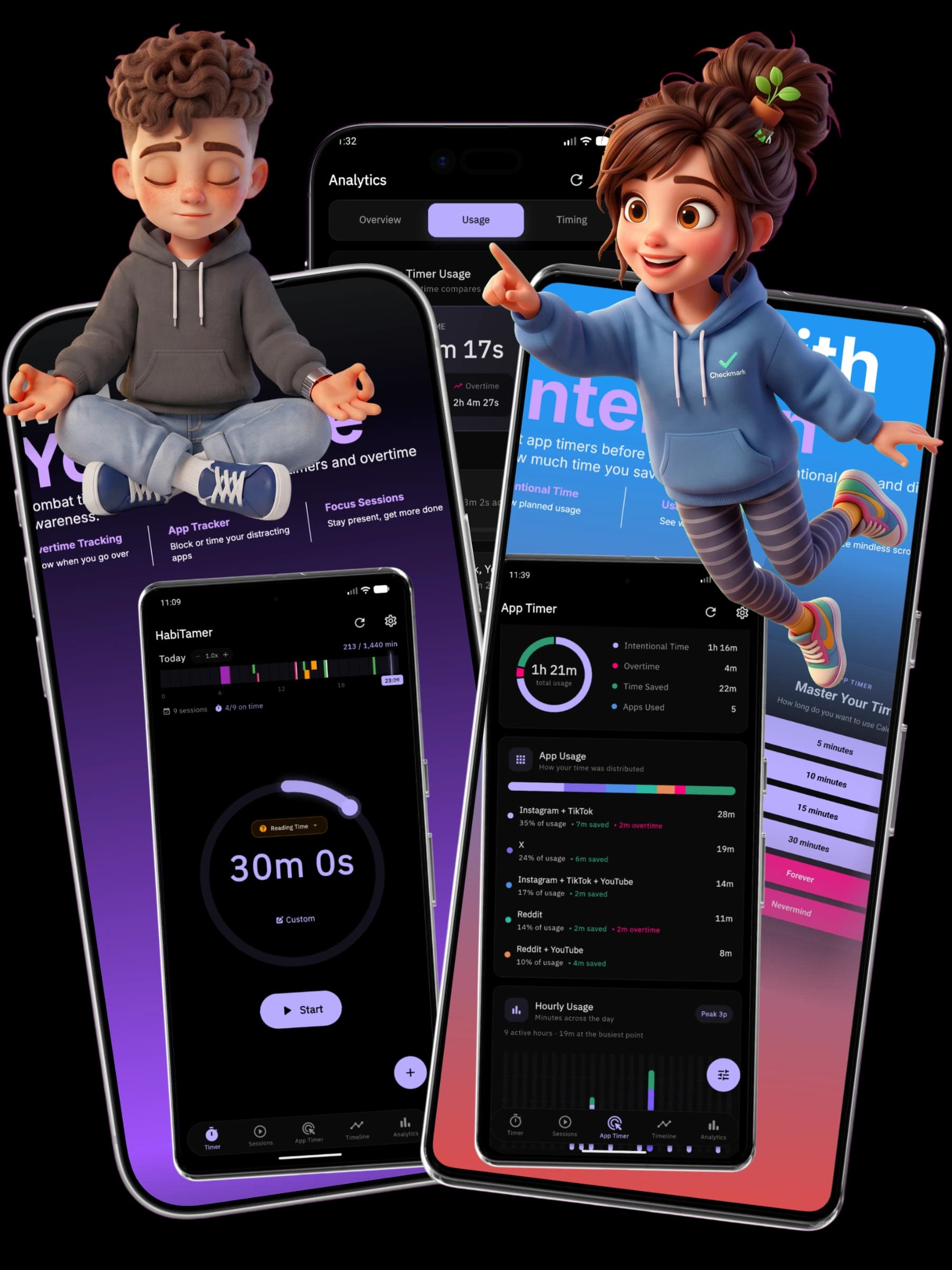
Designed around the screenshot set.
Stornar keeps creative work close to store requirements, so teams can move from draft to upload without rebuilding assets.
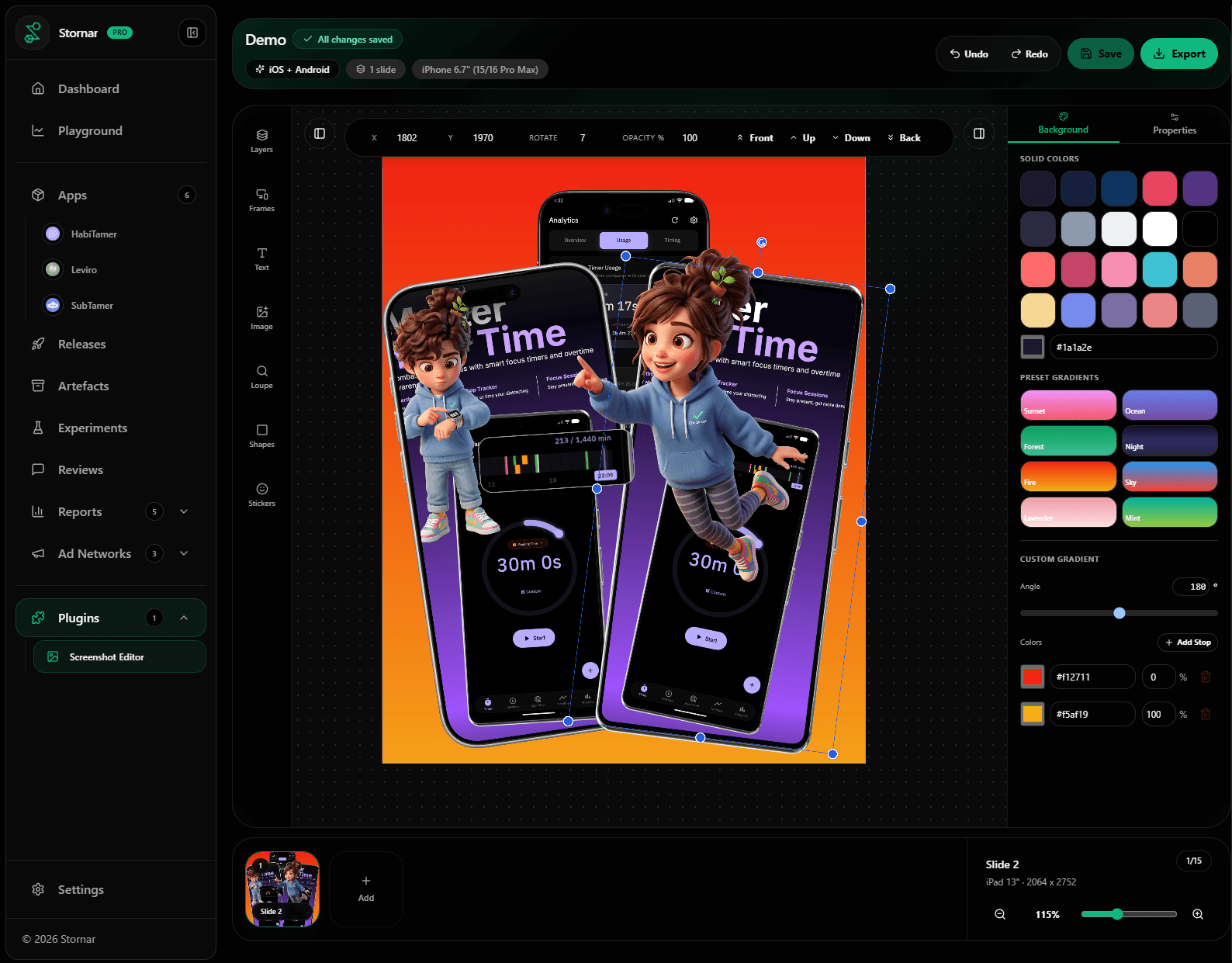
Store sizes at creation
Add slides in Apple, Android, tablet, and feature graphic sizes before design starts. Stornar automatically configures the exact dimensions required.
Frames without mockup hunting
Drop screenshots into device frames already available in the editor rail. Skip the hassle of searching the web for high-quality mockups.
Layer polish where it belongs
Tune colors, typography, shadows, borders, and filters only when a layer needs them.
Exports for review and release
Export one slide, selected slides, or the full set in the format your store needs.
From canvas to store listing.
The workflow mirrors how screenshots are actually produced: size, compose, refine, then export for review or release.
Choose the store size
Start from iPhone, iPad, Android, or feature graphic dimensions.
Compose the story
Layer screenshots, frames, text, shapes, and callouts on a saved canvas.
Tune every layer
Adjust typography, color, shadows, filters, borders, and backgrounds from contextual controls.
Export the set
Download selected slides or the whole project as PNG, JPG, or ZIP.
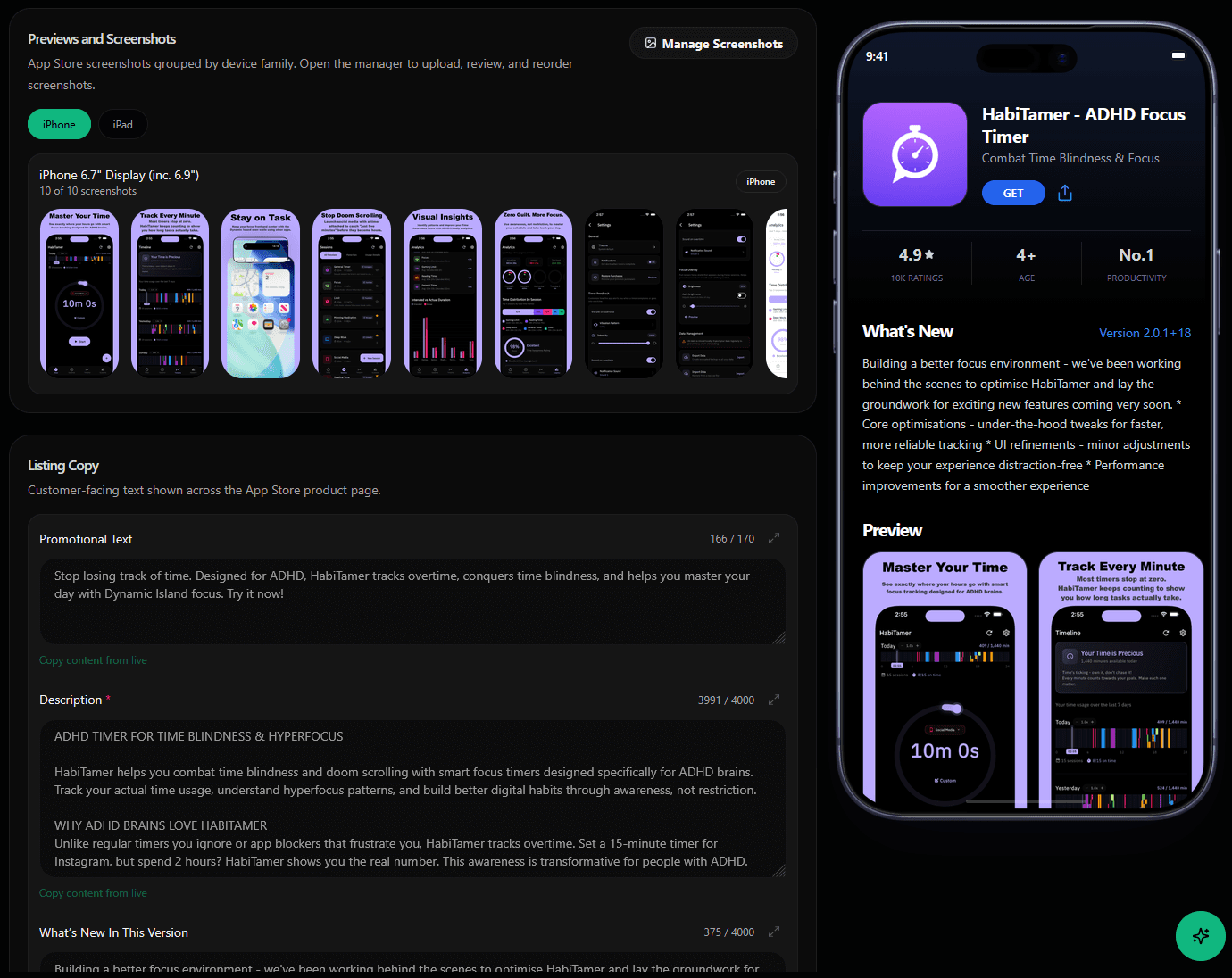
Production details stay close.
The editor sits beside metadata, releases, and app records, so creative delivery stays part of launch operations.
Starter templates help teams move faster without locking them into one visual system.
The editor rail keeps frames, images, text, shapes, stickers, and callouts in reach.
Contextual panels expose slide controls first, then layer controls when an object is selected.
Exports stay practical: current slide, selected slides, or the whole delivery set.
Perfect for your store page.
Build the next screenshot set in the same place your team manages releases.